Hide My Number and Japanese IDs on screen
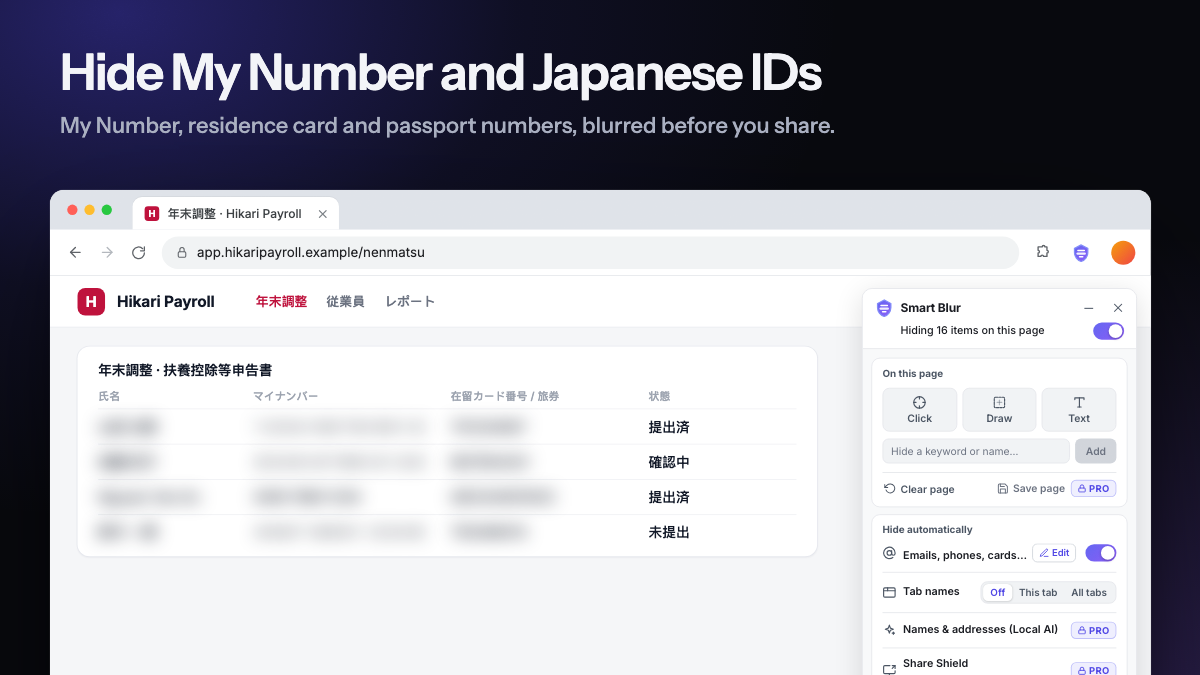
Use Smart Blur to keep My Number, residence card, passport and pension numbers off shared screens, with patterns for full-width digits too.
Guides for keeping personal data off your screen with Smart Blur: ID formats by country, messaging apps, screenshots, and screen sharing on Zoom, Meet and Teams.
18 posts
Use Smart Blur to keep My Number, residence card, passport and pension numbers off shared screens, with patterns for full-width digits too.
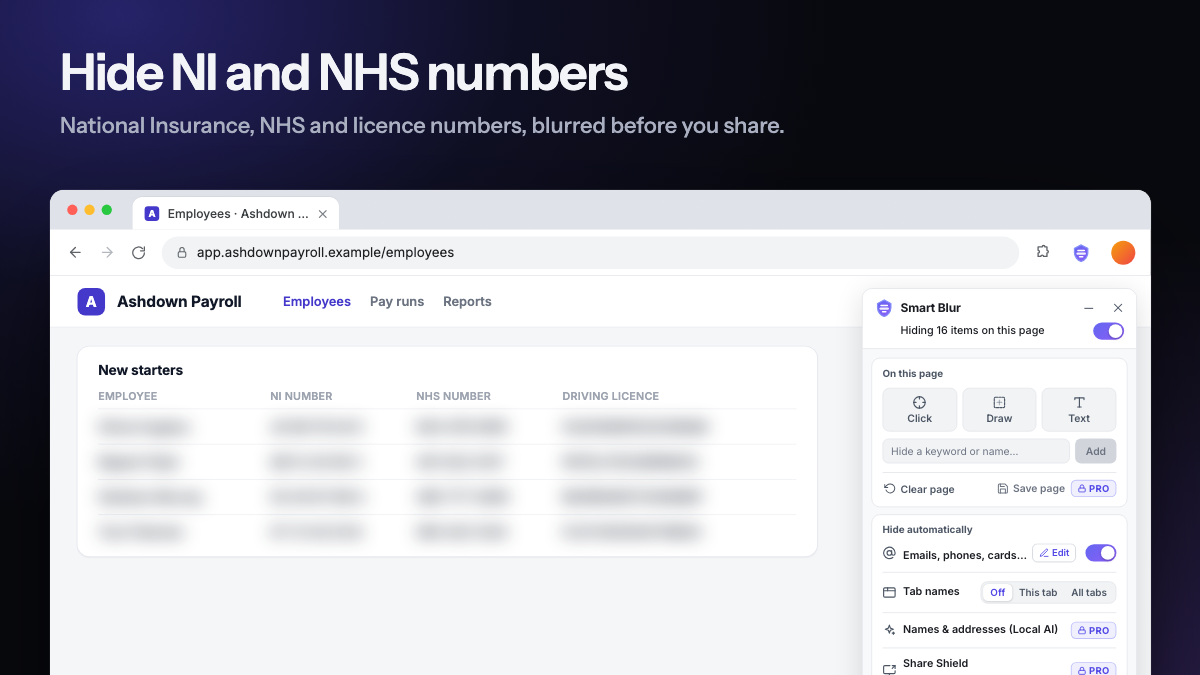
Keep National Insurance, NHS, passport and driving licence numbers off shared screens with Smart Blur. What UK law expects, and patterns to use.
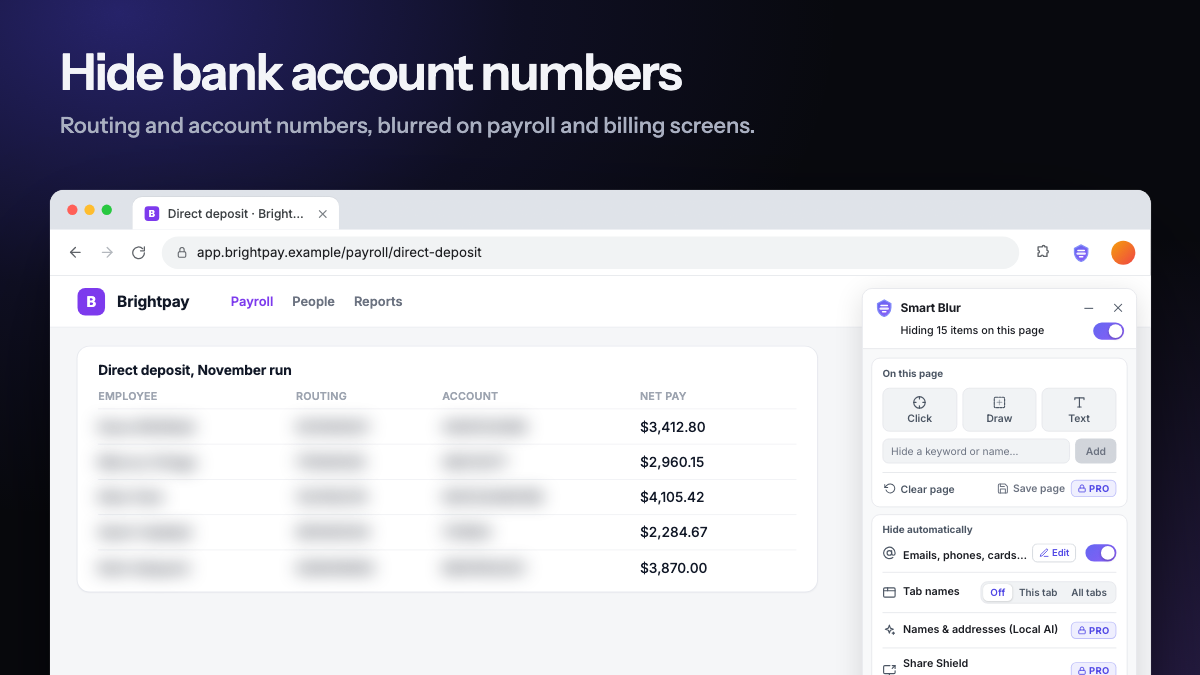
Payroll, billing and tax screens show account and routing numbers in full. How Smart Blur keeps them off a shared screen.
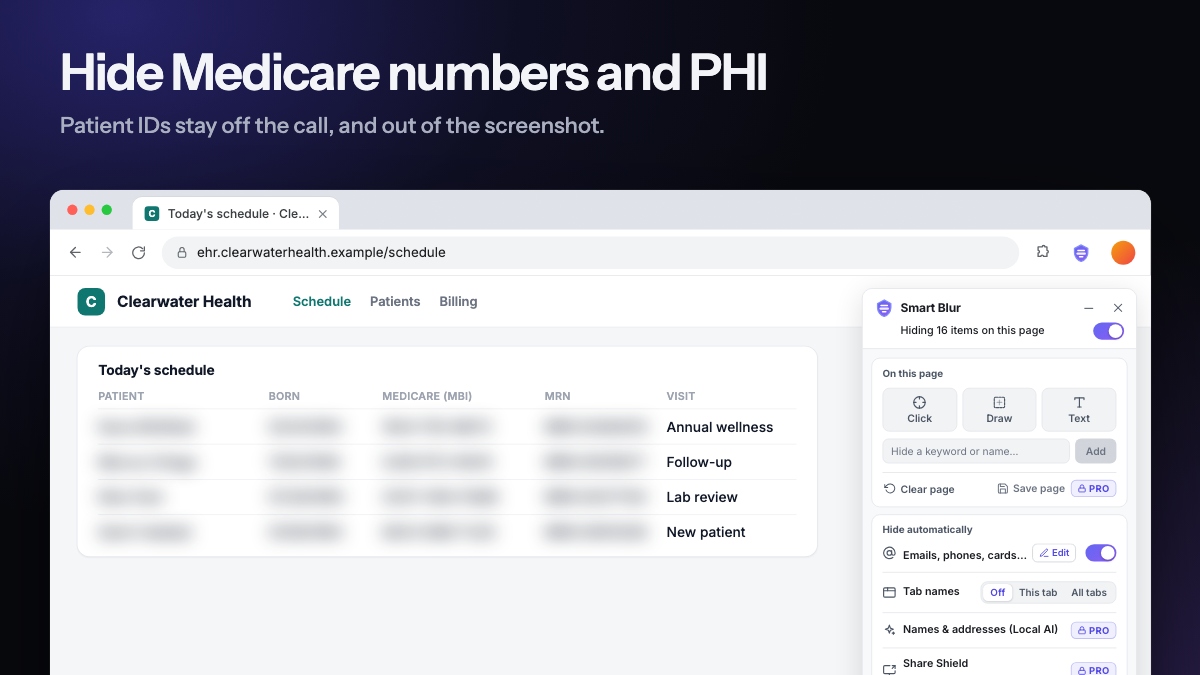
Under HIPAA, a patient's Medicare number on a shared screen can count as a breach. How to keep MBIs, record numbers and member IDs hidden.
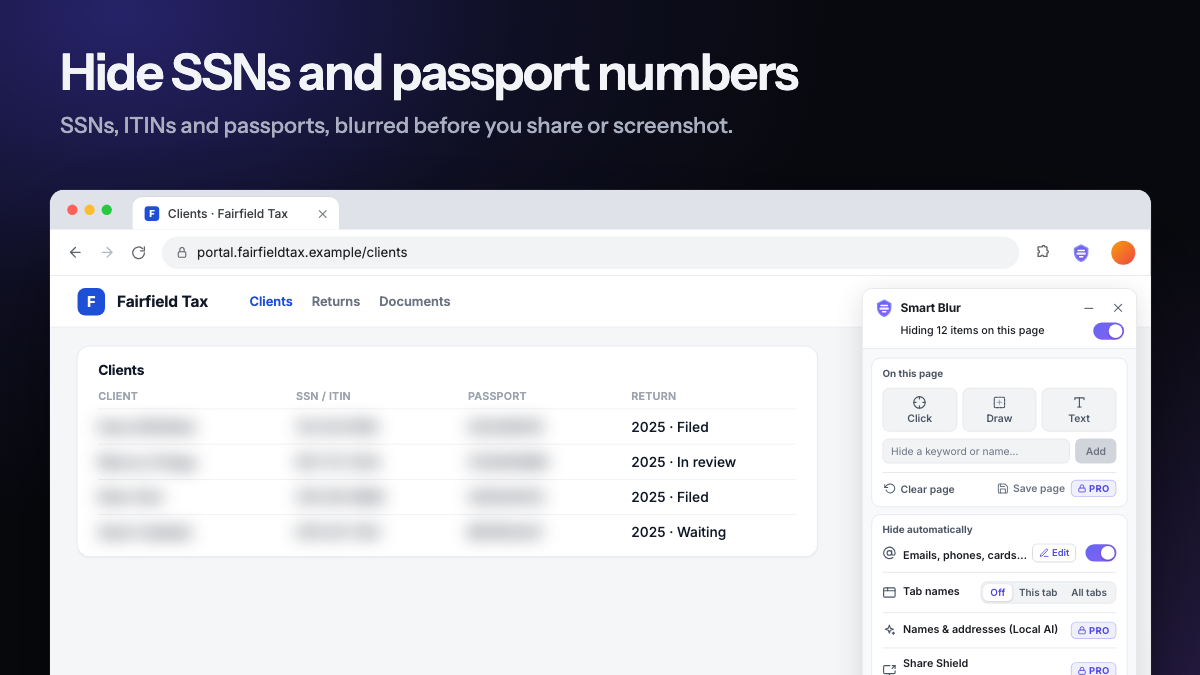
A Social Security number on a shared screen can't be taken back. How Smart Blur hides SSNs, ITINs and passport numbers.
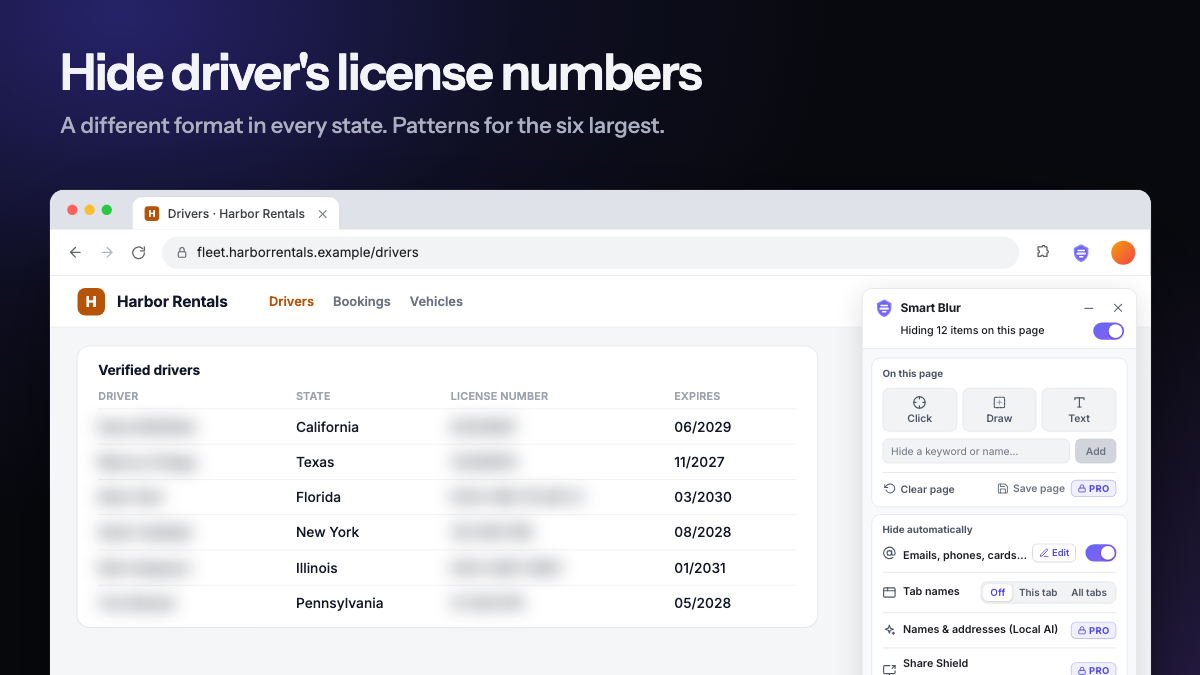
Every state formats driver's license numbers differently. Tested Smart Blur patterns for the six largest states keep them off shared screens.
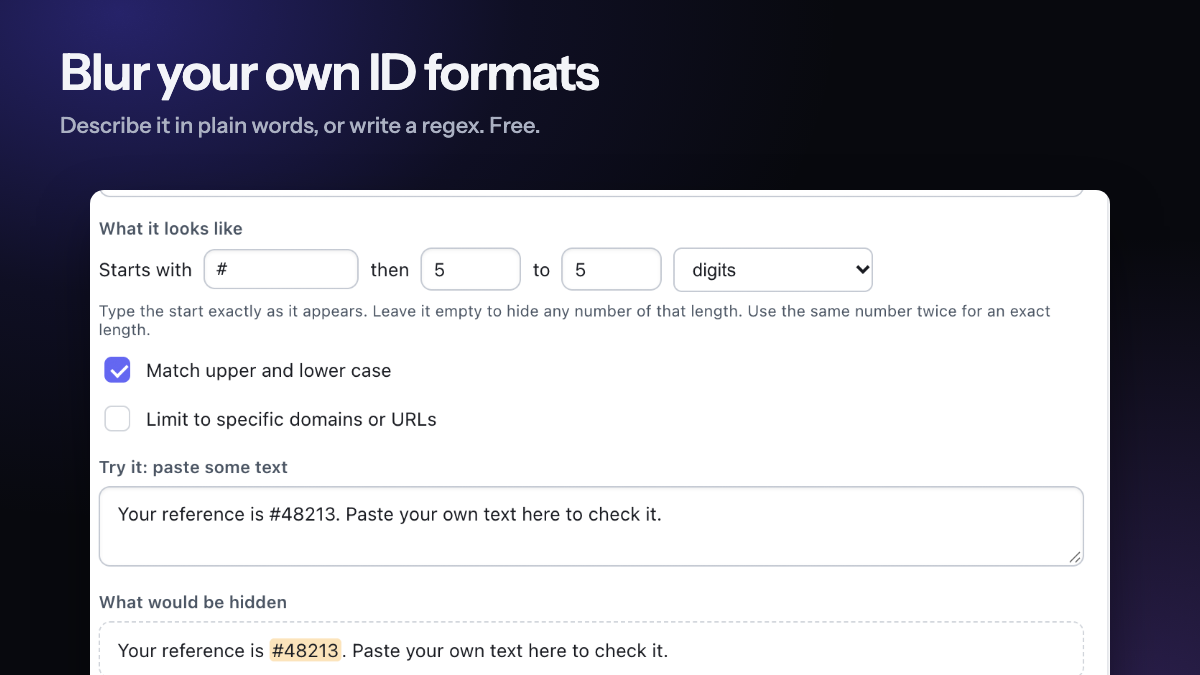
Order numbers, policy numbers, patient IDs. No blur tool knows your formats. How to describe them in plain words, or a regex, and blur them everywhere.
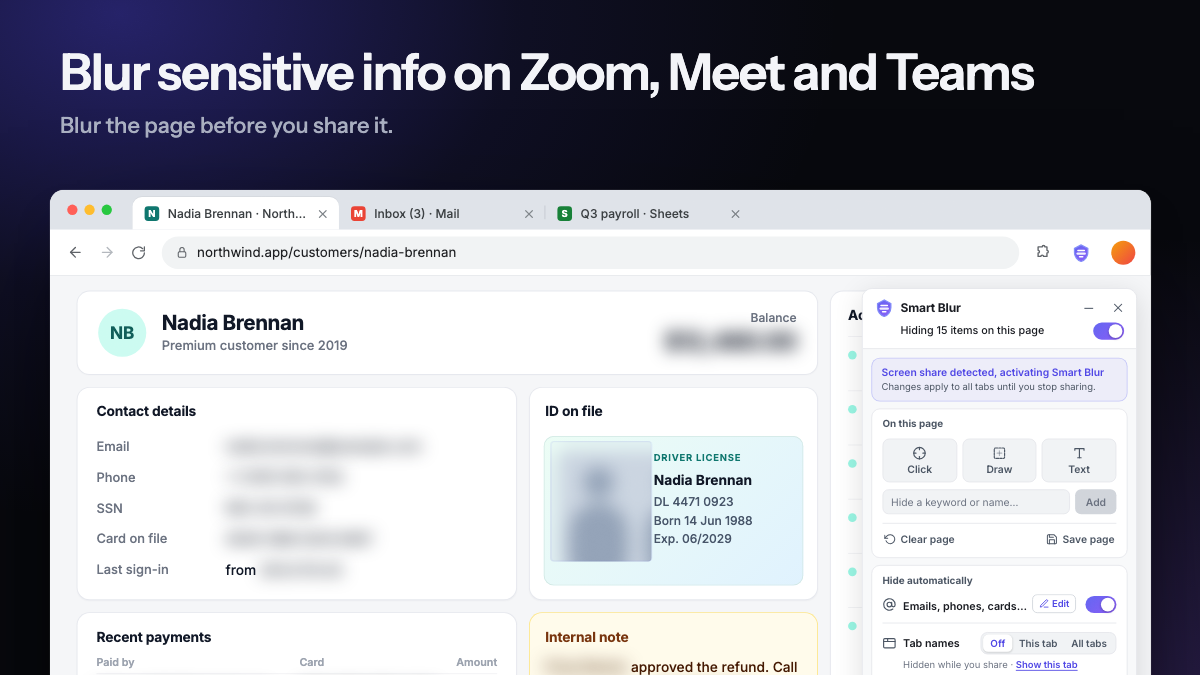
Zoom, Google Meet and Teams share whatever is on screen. How to blur emails, names and customer data on the page before you share, in each of them.
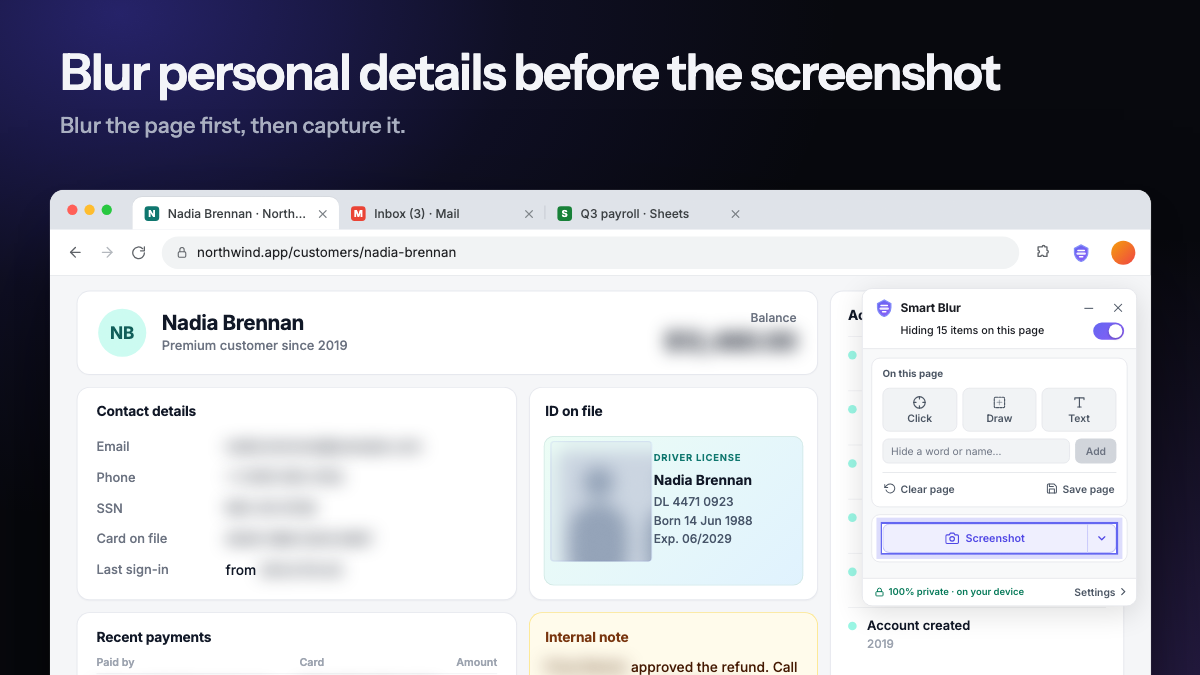
Editing a screenshot afterwards misses things and isn't always as safe as it looks. Why it's better to blur the page first, and how to do it.
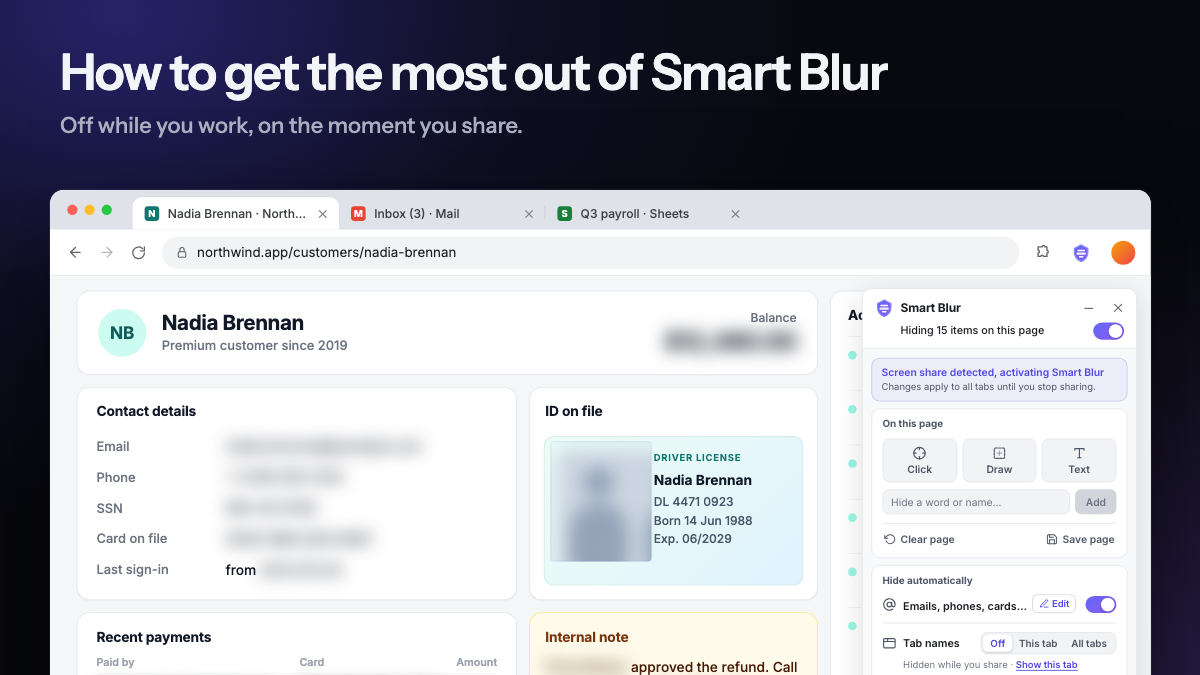
The Smart Blur setup that works best day to day: when to keep it off, what to set up once, and how to handle a call, on the free plan and on Pro.
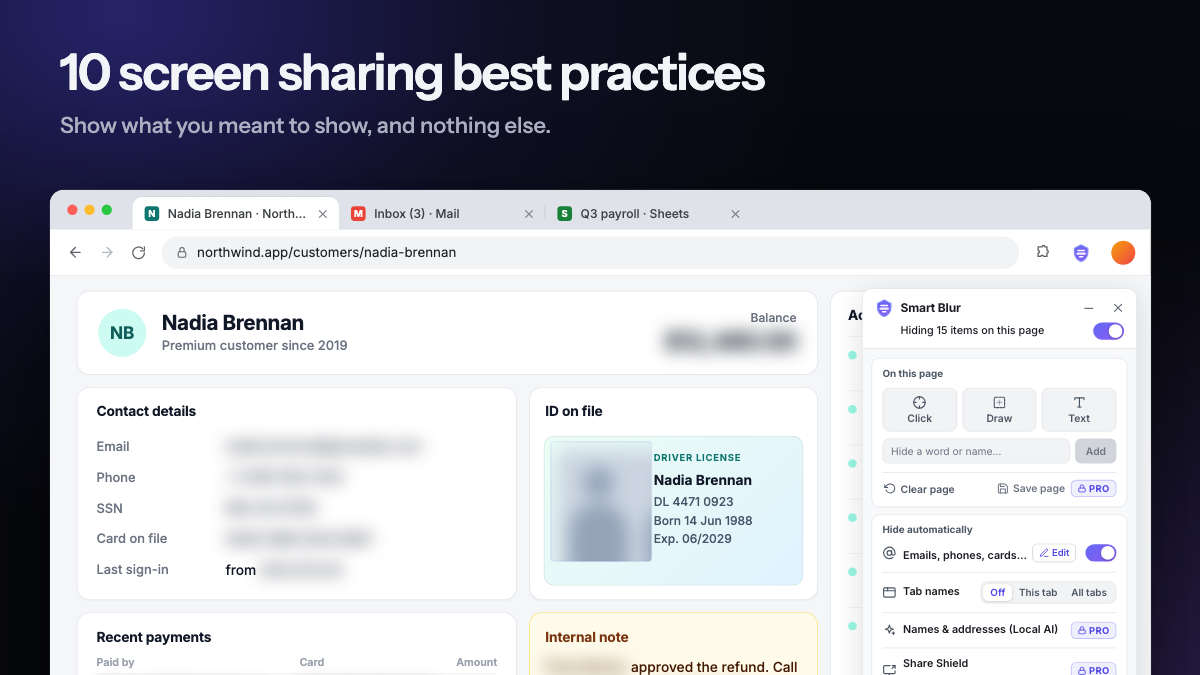
Ten screen sharing best practices that keep calls clear and private, from sharing one tab to turning off notifications and blurring what must stay on screen.
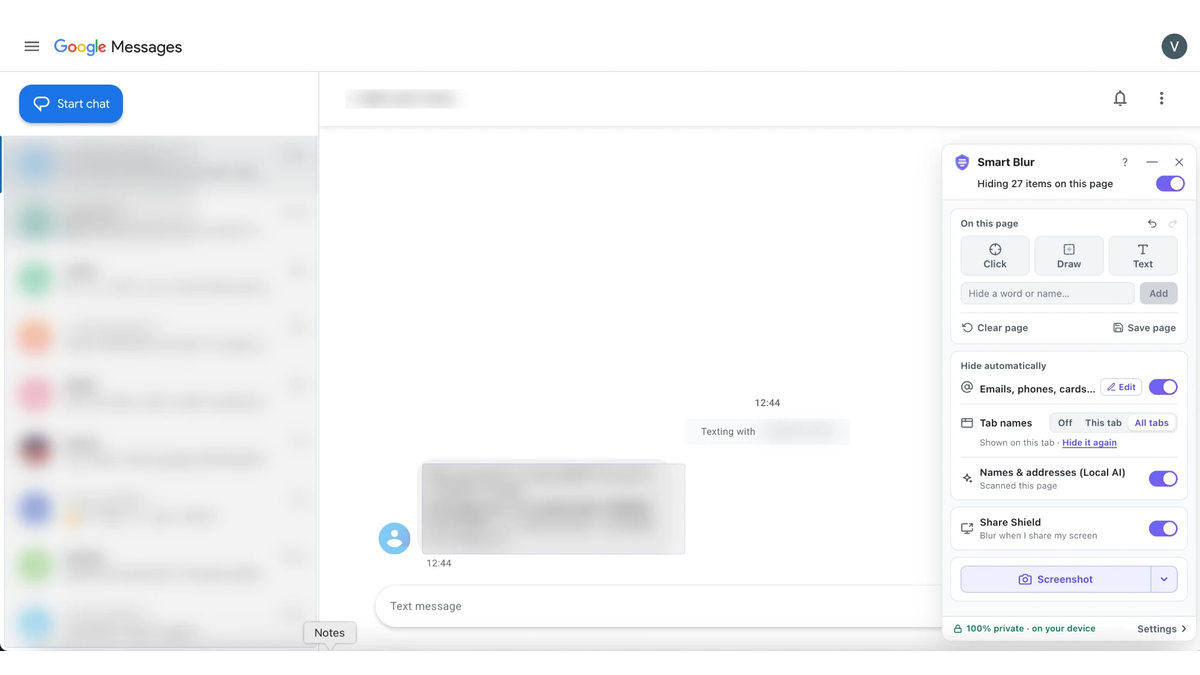
Google Messages for web shows your texts, verification codes and contacts' numbers on screen. How to blur them before you share or take a screenshot.
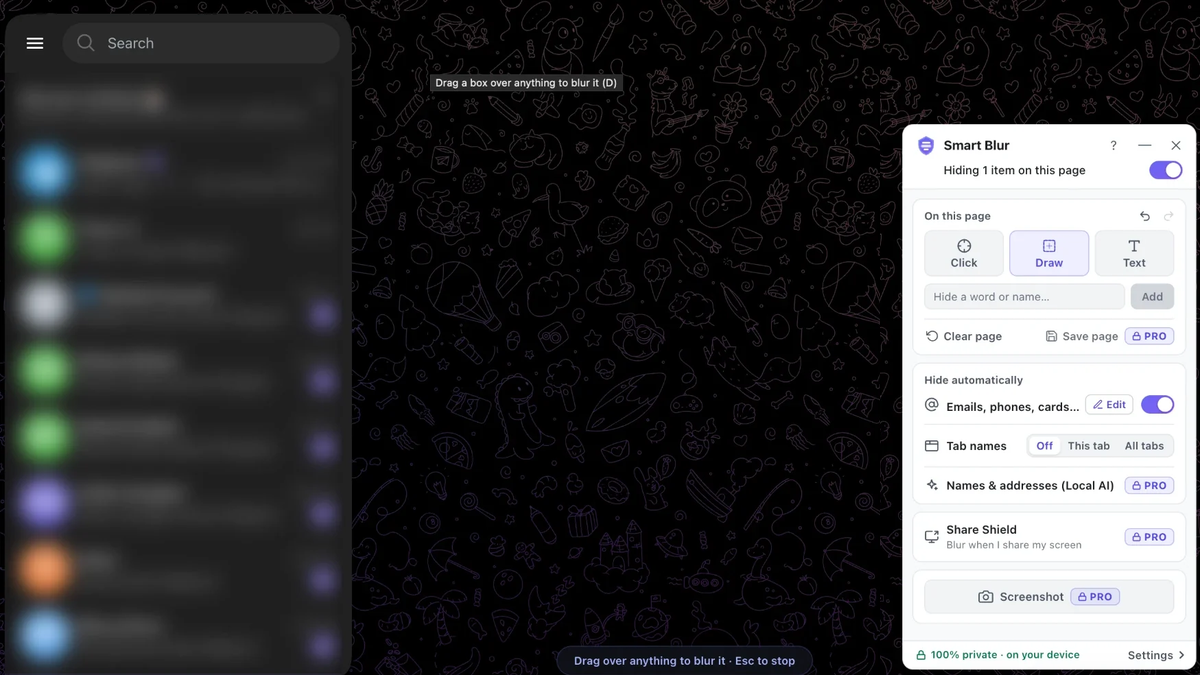
Telegram Web shows your chats, groups, usernames and phone numbers to anyone watching your screen. How to blur them before you share or screenshot.
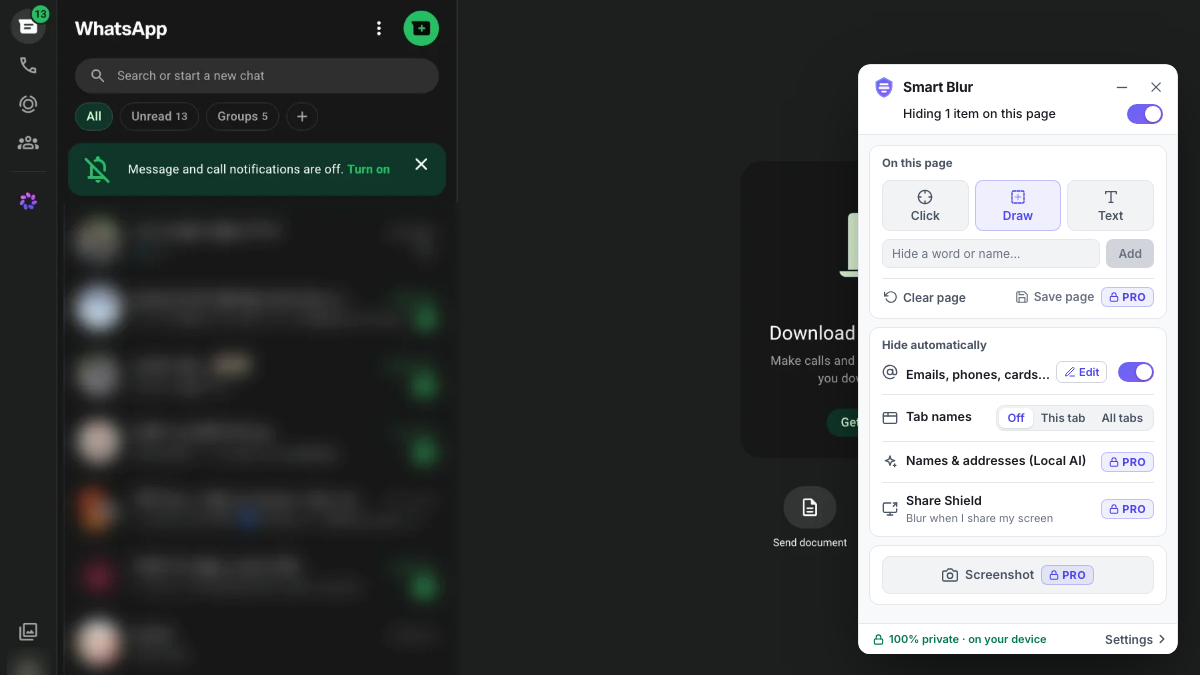
WhatsApp Web shows your chats, contacts and phone numbers to anyone watching your screen. How to blur them before you share or take a screenshot.
Your browser tabs tell everyone on the call what else you're working on. What tab titles give away, and how to hide them before you share.
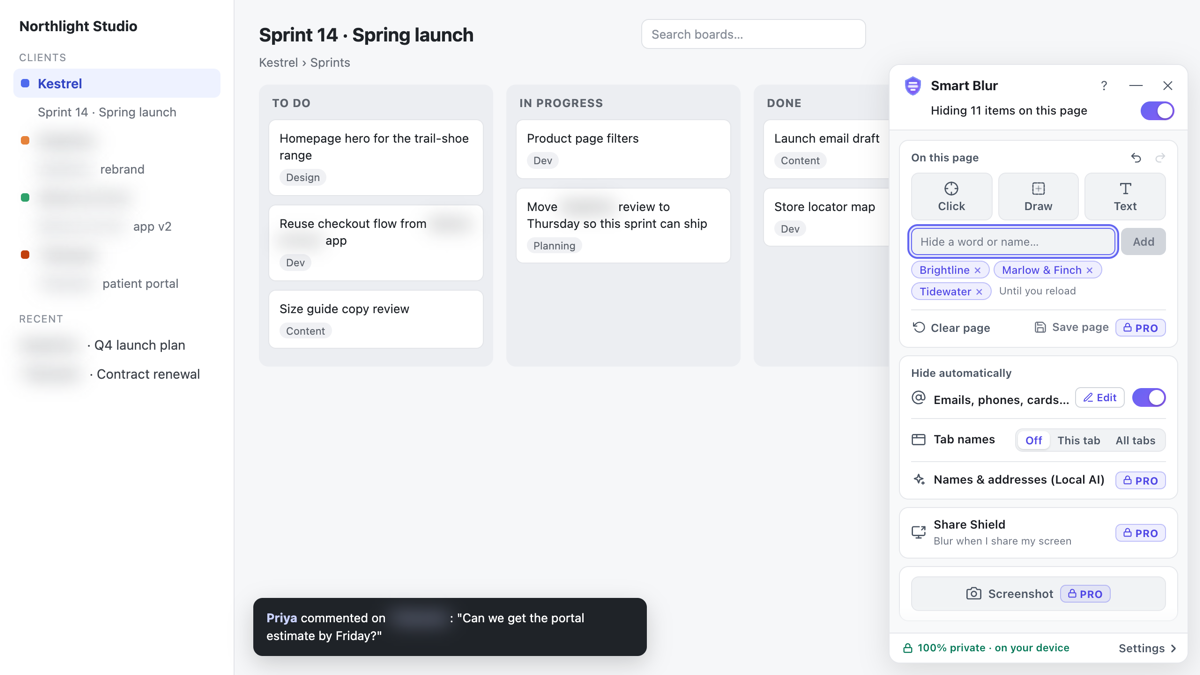
Your sidebar lists every client you work for. Why that matters when screen sharing with one of them, and how to blur other client names first.
A client's SIN on screen during a call is easy to miss and impossible to take back. Why it keeps happening, and how Smart Blur keeps it hidden.
Ontario treats a health card number as personal health information, and a licence number as lasting ID. Don't expose them in a screen share.
No posts match. Try fewer filters, or .