
We build browser tools that keep your work private.
Smart Build Labs is an independent studio. We make browser extensions that do one job properly, run on your own machine, and do not ask you for an account.
What we make
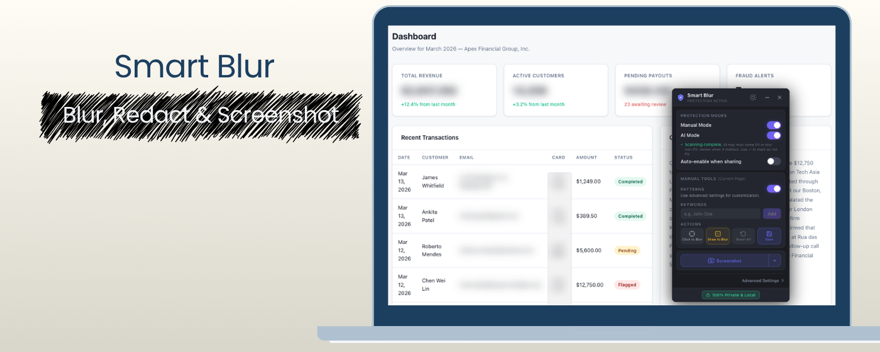
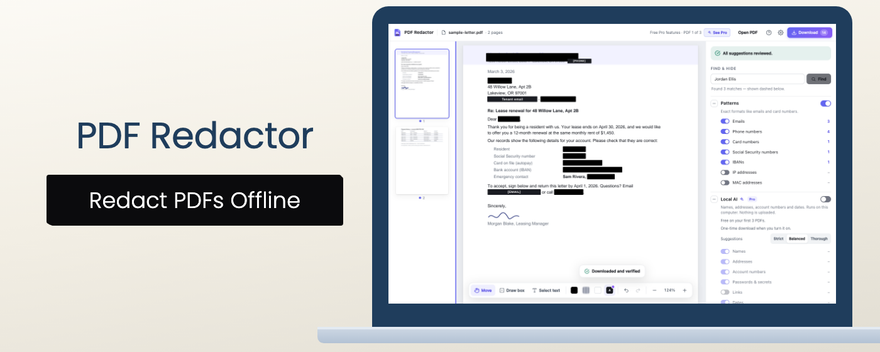
Two products, actively maintained.
How we build
The constraints we hold ourselves to.
Processing stays on your machine
Where a tool needs to understand your data, it does that in your browser. We do not run it through a server, because we would rather not hold it.
No account to use the thing
Installing is enough. We do not need an identity to make a browser extension work, so we do not ask for one.
Pay once where you pay at all
Paid features are a one-time purchase. A small tool should not become a subscription.
From the blog
What people leak when they share a screen, and how to stop it.
- Hide tab names when screen sharing Your browser tabs tell everyone on the call what else you're working on. What tab titles give away, and how to hide them before you share.
- Hide client names when screen sharing Your sidebar lists every client you work for. Why that matters when screen sharing with one of them, and how to blur other client names first.
- Keep Canadian SINs and passport numbers safe in your screen share A client's SIN on screen during a call is easy to miss and impossible to take back. Why it keeps happening, and how Smart Blur keeps it hidden.
- How to hide OHIP and Ontario driver's licence numbers in online meetings Ontario treats a health card number as personal health information, and a licence number as lasting ID. Don't expose them in a screen share.
Get in touch
Questions, bugs, or anything about privacy.
Contact us or read the privacy and terms.