Use case
Hide My Number and Japanese IDs on screen
Short answer
- My Number may only be used for social security, tax and disaster response, and can't be passed on outside those, even with consent.
- Smart Blur blurs My Number, residence card, passport and pension numbers on the page before anyone on the call sees them.
- The free patterns here match half-width and full-width digits, spaces and dashes, so one pattern covers every format.
On this page
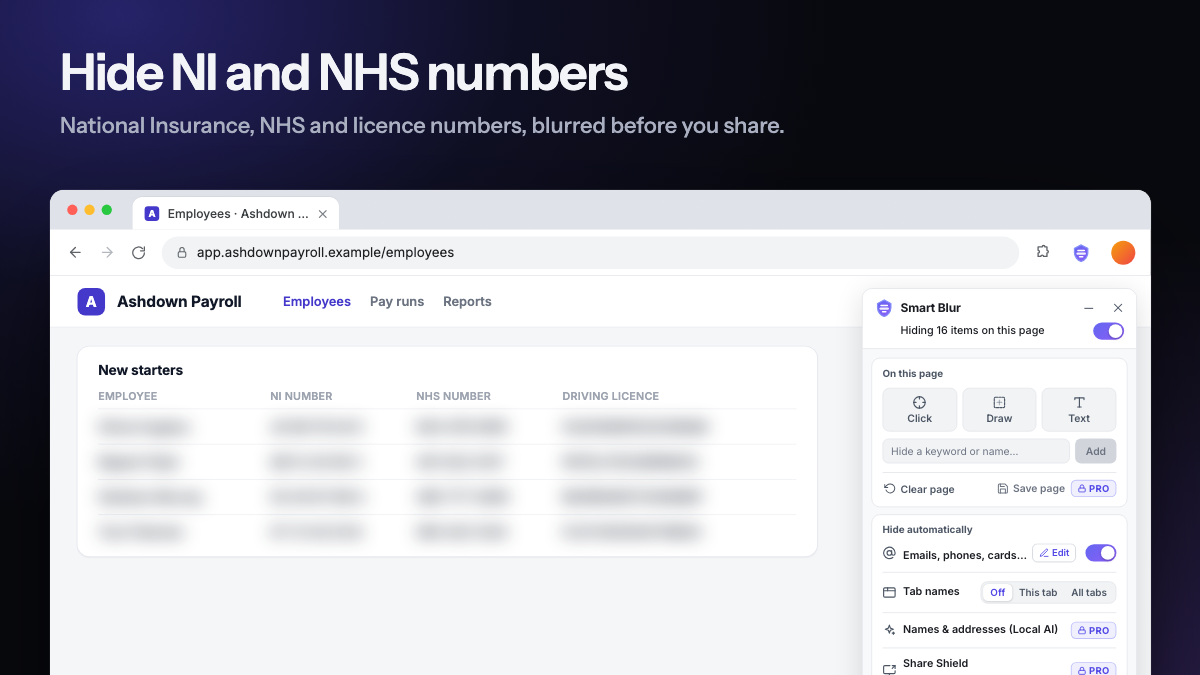
It’s late November, and the HR team at a mid-sized company in Osaka is deep in year-end tax adjustment (年末調整). One of them is on a video call with the payroll software vendor because a dependant’s deduction won’t calculate. To show the problem, they share their screen and open the employee’s record. The employee’s My Number is on it, and so are the My Numbers of their spouse and two children.
The vendor’s support engineer had no reason to see any of those numbers. In Japan, that matters more than it would almost anywhere else.
My Number has a law of its own
Most personal information in Japan falls under the Act on the Protection of Personal Information (APPI). My Number is different. It has its own law, the My Number Act, which limits its use to social security, tax and disaster response. Outside those procedures, the Digital Agency says, a My Number can’t be passed to anyone else, even with the person’s consent. The Act also has more kinds of penalties, and heavier ones, than the APPI, and the Personal Information Protection Commission supervises both.
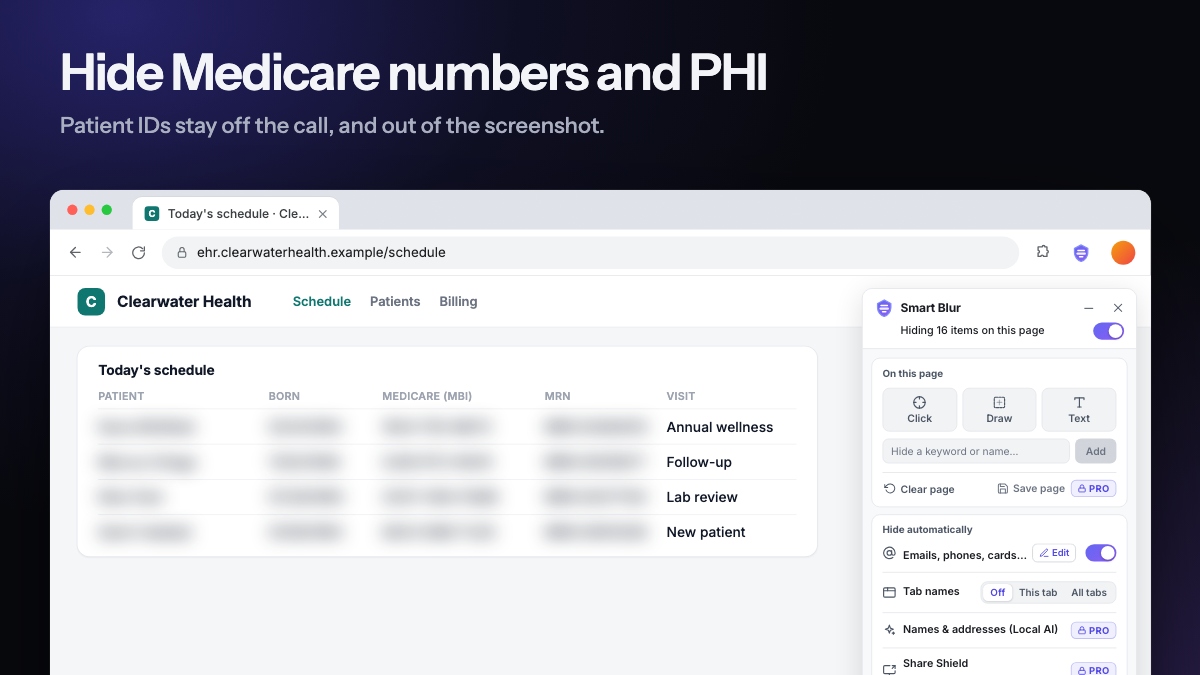
Health insurance numbers have their own rule too. Since October 2020, the law has forbidden asking people for their insurer number and insured person’s symbol and number for anything other than health insurance. The Ministry of Health, Labour and Welfare even tells organizations that copy an insurance card for identity checks to mask those numbers on the copy. Blurring them on a shared screen is the same idea.
The numbers on Japanese records
My Number (マイナンバー) is 12 digits, often written in groups of four:
1234 5678 9012. The driver’s license number is also 12 digits, printed as
第123456789012号, so the same pattern catches both.
A passport number is two letters followed by seven digits, such as
TK1234567. A residence card number (在留カード番号), carried by foreign
residents staying in the medium to long term, is two letters, eight digits and two more letters:
AB12345678CD. It changes each time a new card is issued, so HR records often
hold more than one.
The basic pension number (基礎年金番号) is ten digits, written as four and
six: 1234-567890.
Health insurance numbers are the awkward ones. New paper insurance cards stopped being issued in December 2024, as Japan moved insurance onto the My Number Card. But the insurer number and the insured person’s symbol and number still sit in payroll and HR systems, and their format varies by insurer, with some symbols written in kanji or kana.
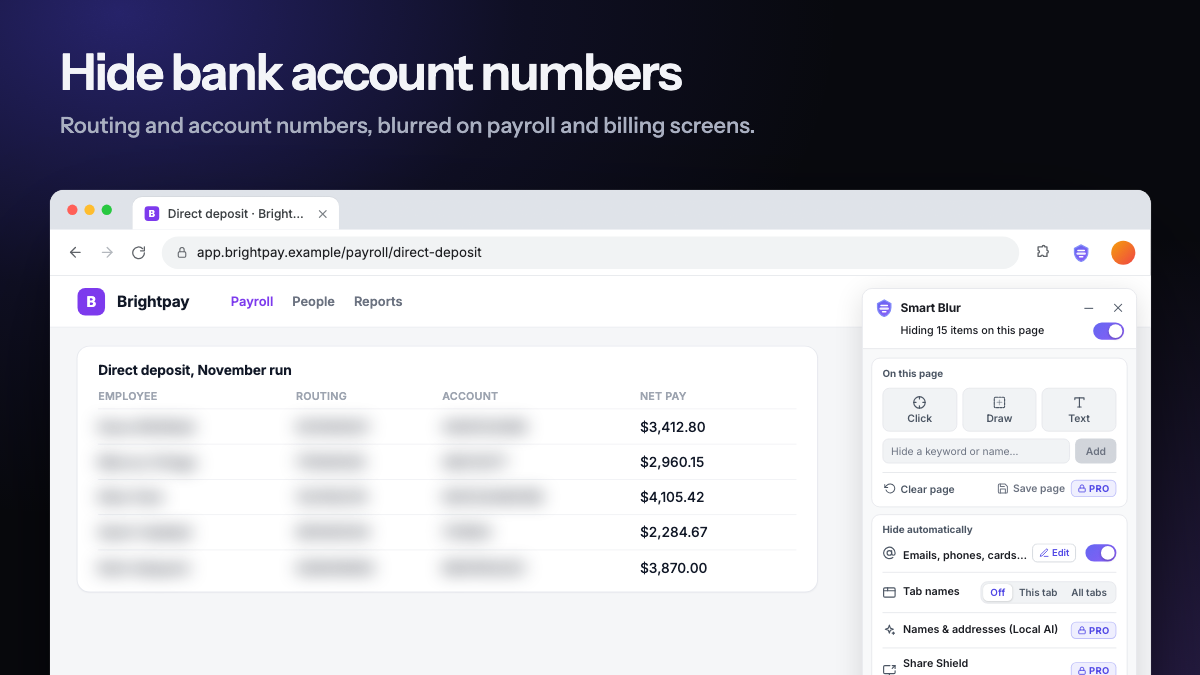
Bank details show up on every payroll screen too: a three-digit branch number and a seven-digit account number.
Patterns for both half-width and full-width numbers
Japanese documents and forms often use full-width digits, 1234 rather than
1234. They look almost identical to a person, but to software they’re
different characters, so it pays to use patterns that understand both.
Smart Blur blurs personal information on the page itself,
in your browser, before anyone on the call sees it. Out of the box it hides
email addresses and phone numbers such as 03-1234-5678. The patterns below
add My Number, driver’s license, passport, residence card and pension numbers,
plus full-width phone numbers. They accept half-width and full-width digits,
ordinary and full-width spaces, and the different dashes Japanese systems use,
so one pattern covers every way your systems write a number. Adding your own
patterns is part of the free version, and each of these was tested against
real-format samples in both widths and against dates and other numbers that
should stay visible.
| What it hides | Example | Pattern |
|---|---|---|
| My Number and driver’s license | 1234 5678 9012 | (?<![0-90-9])[0-90-9]{4}[\s ‐--]?[0-90-9]{4}[\s ‐--]?[0-90-9]{4}(?![0-90-9]) |
| Basic pension number | 1234-567890 | (?<![0-90-9])[0-90-9]{4}[\s ‐--]?[0-90-9]{6}(?![0-90-9]) |
| Passport | TK1234567 | \b[A-Z]{2}\d{7}\b |
| Residence card | AB12345678CD | \b[A-Z]{2}\d{8}[A-Z]{2}\b |
| Full-width phone numbers | 090-1234-5678 | (?<![0-90-9])[00][0-90-9]{1,4}[-‐-][0-90-9]{1,4}[-‐-][0-90-9]{4}(?![0-90-9]) |
For the passport and residence card patterns, untick Match upper and lower case so only capital letters count.
The 12-digit pattern will also blur other 12-digit numbers, such as some order and invoice numbers. Hiding an invoice number by accident is harmless; showing a My Number isn’t. If the extra blurring gets in the way, limit the pattern to your payroll or HR system.
Health insurance numbers vary in format from one insurer to the next, so use Click to blur the field itself with a single click. For seven-digit bank account numbers, the bank account numbers post explains how to write a fixed-length pattern without blurring every number on the page.
Putting them into Smart Blur
Smart Blur’s settings are in English. In the panel, go to Settings → Patterns → Your own patterns, choose Write a regex, name the pattern (“My Number”) and paste it in. Paste a few real samples into the Try it box, in both half-width and full-width if your systems use both, and check that they light up before you click Add pattern.
To keep a pattern to one system, tick Limit to specific domains or URLs and add its address. The custom patterns guide explains how patterns work if you’d like to adapt these.
Names in Japanese
For names, use Keywords to hide, which works with Japanese text. Add the
names you never want on screen and Smart Blur blurs them wherever they appear. Add each name the way your systems show it:
山田太郎, 山田 太郎 with a space, and the katakana reading ヤマダ タロウ if
that’s displayed too. Each one is matched exactly as you type it, including
whether the space is half-width or full-width. Agencies use the same feature to
hide client names on calls.
Scans, screenshots and the rest of the call
For a photo of a My Number Card or residence card, use Click or Draw to cover it with one click or a quick box. If you need a screenshot for a support ticket, let the page blur first and then capture it; blurring personal information in a screenshot covers that in more detail.
How you share matters too. Sharing the payroll window instead of the whole desktop keeps a pop-up notification or a second employee’s record off the call. There are more habits like that in our screen sharing best practices, and the settings for each meeting tool are in the Zoom, Teams and Google Meet walkthrough.
Year-end adjustment comes round every November. Setting the patterns up once means the next call about it is one less thing to worry about.
This post explains the law in general terms and isn’t legal advice.
Sources
- Frequently Asked Questions: Protection of Personal Information, Digital Agency
- 医療保険の被保険者等記号・番号等の告知要求制限について, Ministry of Health, Labour and Welfare
- FAQ: Using the My Number Card as the Health Insurance Certificate, Digital Agency
- Residence card Q&A (Q80–Q149), Immigration Services Agency of Japan
Questions
Does Smart Blur work on Japanese websites?
Yes. Patterns and Keywords to hide work on Japanese text, and the settings screens are in English.
How do I hide employees' names written in kanji?
Add each name under Keywords to hide in every form your system shows it: with and without a space, and in katakana if the reading is displayed.
Are health insurance numbers still sensitive now the old cards are gone?
Yes. The rule against asking for them outside health insurance still applies, and the numbers remain in payroll and HR records.