Use case
Hide NI and NHS numbers when screen sharing
Short answer
- Smart Blur blurs National Insurance, NHS, licence and bank details on the page before anyone on the call sees them.
- Add five free patterns once and they work on every page: NI, NHS/CHI/UTR, driving licence, UK mobile and sort code.
- Untick Match upper and lower case for the NI and licence patterns so only capitals count.
On this page
A payroll officer is on a Teams call with their payroll software’s support desk. A new starter’s pay hasn’t gone through, so they share their screen and open the employee record. At the top sit the person’s name, date of birth, home address and National Insurance number. Underneath are their sort code and account number. The support agent only needed to see the tax code.
Nobody did anything wrong on purpose, and most of the time nothing comes of it. But the call was recorded for training, and the recording now holds everything needed to start impersonating that employee.
What UK law expects
Under the UK GDPR, a personal data breach covers more than hacking. The ICO’s definition includes the accidental “unauthorised disclosure of, or access to, personal data”. Showing a record to someone who had no need to see it can fit that description. If the breach is likely to put people’s rights at risk, the organisation has to report it to the ICO, where feasible within 72 hours of becoming aware of it.
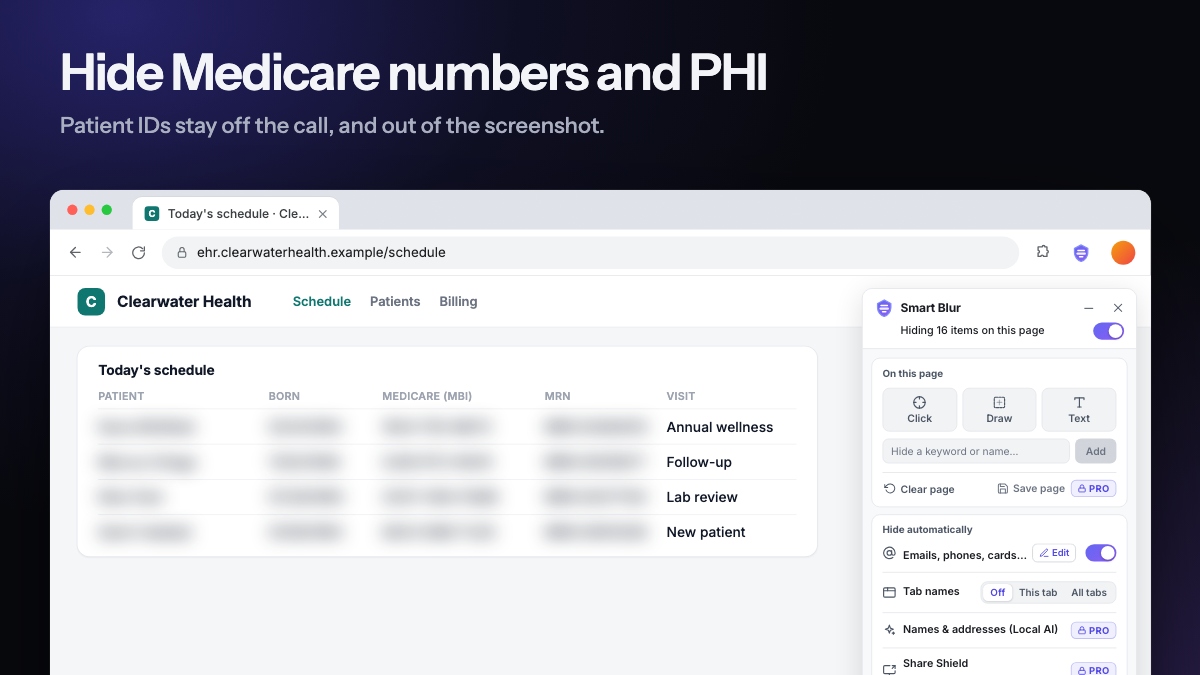
Health information raises the stakes. Under the UK GDPR, data about someone’s health is special category data, with stricter rules around it. An NHS number on its own is ordinary personal data, but it rarely appears on its own. It’s usually at the top of a patient record, a referral or a prescription, next to exactly the details that make it health data.
HMRC is blunt about National Insurance numbers: to prevent identity fraud, don’t share yours with anyone who doesn’t need it. That advice applies just as much to the numbers of the employees, customers and patients in your systems.
The numbers you’ll find in UK records
A National Insurance number is two letters, six digits and a final A, B, C
or D, often printed in pairs: JK 98 76 54 D. Some letters are never used in
the first two positions, so test a pattern with a real number from your own
system rather than a made-up one.
NHS numbers in England and Wales are ten digits, usually shown as 3-3-4:
943 476 5919. Scotland uses its own ten-digit CHI number, and Northern Ireland
has a ten-digit Health and Care number. Different systems, same shape, so one
pattern covers all three.
A UK passport number is nine digits. Your Unique Taxpayer Reference,
on Self Assessment letters and accountants’ client lists, is ten digits,
sometimes written as 12345 67890 and sometimes with a K at the end.
The driving licence number is the most revealing of the lot. It’s 16
characters, and the DVLA builds the first five from your surname (padded with
9s if it’s short). The six digits after that are built from your date of birth. So
MORGA657054SM9IJ tells anyone who reads it a fair bit about its owner before
they’ve seen the name.
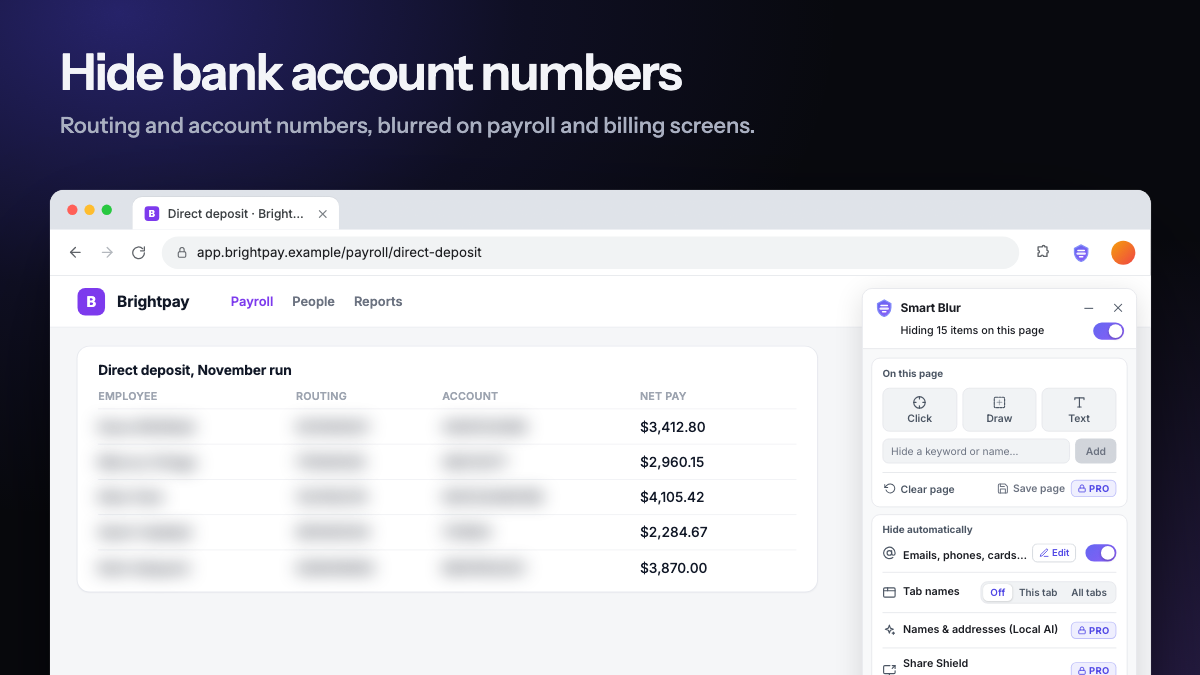
Then there are bank details. A sort code and account number are enough to set up a direct debit, and they sit on every payroll and supplier record.
How Smart Blur hides them
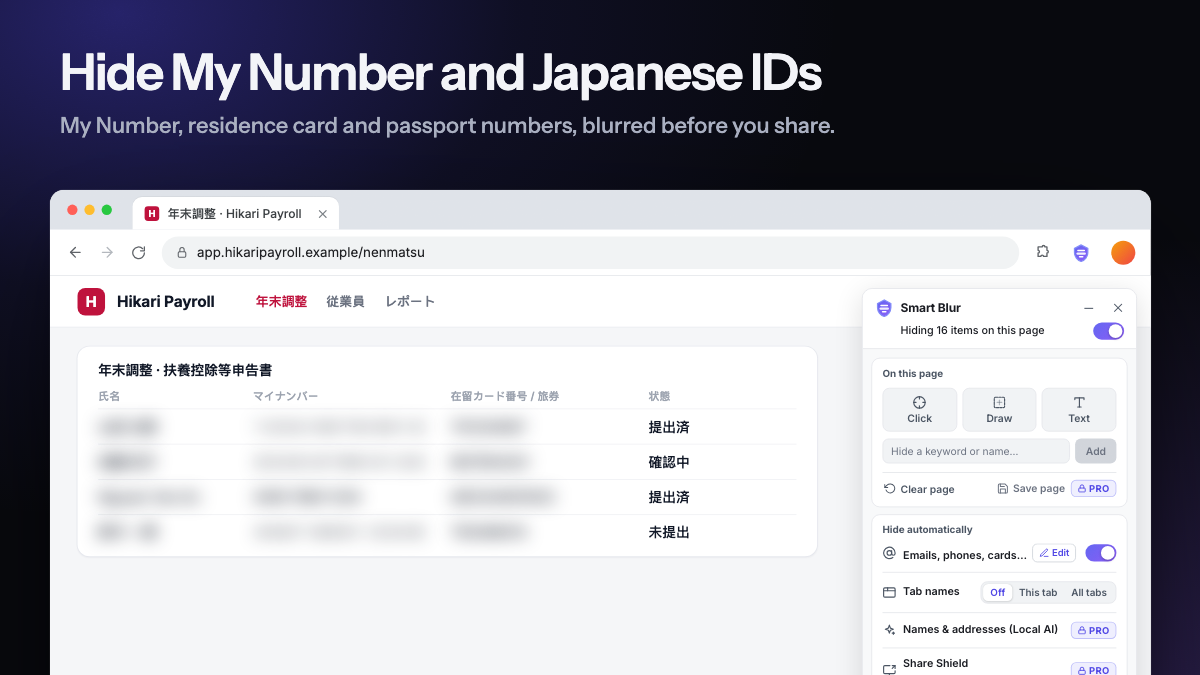
Smart Blur blurs personal information on the page itself,
in your browser, before anyone on the call sees it. Out of the box it hides
email addresses and phone numbers, including landlines such as 020 7946 0958
and mobiles written with +44. Switch on the IBAN pattern in Settings and
international bank details are covered too.
For the UK’s own formats, add the patterns below. Adding your own patterns is part of the free version, and once a pattern is in, every matching number on every page is blurred as soon as it appears. Each one was tested against real-format samples and against look-alikes that should stay visible.
| What it hides | Example | Pattern |
|---|---|---|
| National Insurance number | JK 98 76 54 D | \b[A-CEGHJ-PR-TW-Z][A-CEGHJ-NPR-TW-Z](?:\s?\d{2}){3}\s?[A-D]\b |
| NHS, CHI and H&C numbers, UTRs | 943 476 5919, 12345 67890 | \b\d{3}[\s-]?\d{3}[\s-]?\d{4}\b|\b\d{5}[\s-]?\d{5}K?\b |
| Driving licence number | MORGA657054SM9IJ | \b[A-Z9]{5}\d{6}[A-Z9]{2}\d[A-Z]{2}\b |
| Mobile numbers | 07700 900123 | (?<![\d+])07\d{3}[\s-]?\d{3}[\s-]?\d{3}(?!\d) |
| Sort code | 20-00-00 | \b\d{2}-\d{2}-\d{2}\b |
The National Insurance and licence patterns rely on capital letters. When you add them, untick Match upper and lower case so ordinary lowercase words and codes don’t get caught.
The ten-digit pattern is deliberately broad. It will also blur some order numbers and reference codes, which costs you nothing on a call. If it gets in the way, limit it to the sites where you handle health or tax records.
UK account numbers are eight digits, which is also the length of plenty of dates and order numbers. The bank account numbers post has a pattern for them and explains how to keep it from blurring more than you want.
Setting them up
Open the Smart Blur panel and go to Settings → Patterns → Your own patterns. Choose Write a regex, give the pattern a name you’ll recognise (“NI number”), and paste it in. Before you click Add pattern, paste a few real examples into the Try it box, plus a couple of things that should stay visible, and check what lights up.
To keep a pattern to one system, such as your payroll software or the clinical system, tick Limit to specific domains or URLs and add its address. If you’ve never written a pattern before, the custom patterns guide explains how they work.
Names, photos and screenshots
For names, use Keywords to hide. Add the names you never want shown, such as a high-profile client or a colleague’s family, and Smart Blur blurs them wherever they appear, the same way agencies hide client names. Smart Blur Pro’s Local AI goes further and finds names and addresses in ordinary text without a list, on your own computer.
For a scanned passport, a licence photo or a PDF shown as an image, use Click or Draw to cover it with one click or a quick box.
The same blur works for screenshots: wait for the page to blur, then capture it. There’s more on that in blurring personal information in a screenshot.
Before the next call
A few habits make Smart Blur even more effective: sharing a single window rather than the whole screen, closing records you don’t need, and checking what’s open before you click share. Our screen sharing best practices cover those, and there’s a walkthrough for Zoom, Teams and Google Meet if you want to set up each one.
Then open a real record, with the patterns added, and look at it the way the person on the other end of the call would.
This post explains the law in general terms and isn’t legal advice.
Sources
- Personal data breaches: a guide, Information Commissioner’s Office
- Your National Insurance number, GOV.UK
- NHS Number, NHS Data Model and Dictionary
- INS57P: Information on driving licences, DVLA
Questions
Is showing someone's NI number on a call a data breach?
It can be. The ICO counts accidental unauthorised disclosure as a personal data breach, and it has to be reported if it's likely to put the person's rights at risk.
Does Smart Blur send my records anywhere to blur them?
No. It blurs text on the page inside your browser, and nothing is uploaded.
Does it work in the Teams or Zoom desktop app?
Yes, for anything you show in Chrome or Edge. Start the share in the desktop app, pick your browser window or your screen, and everyone sees the blurred version.