The numbers
How client data slips out
What your team gets
- 0 Files uploaded. Everything runs on the computer.
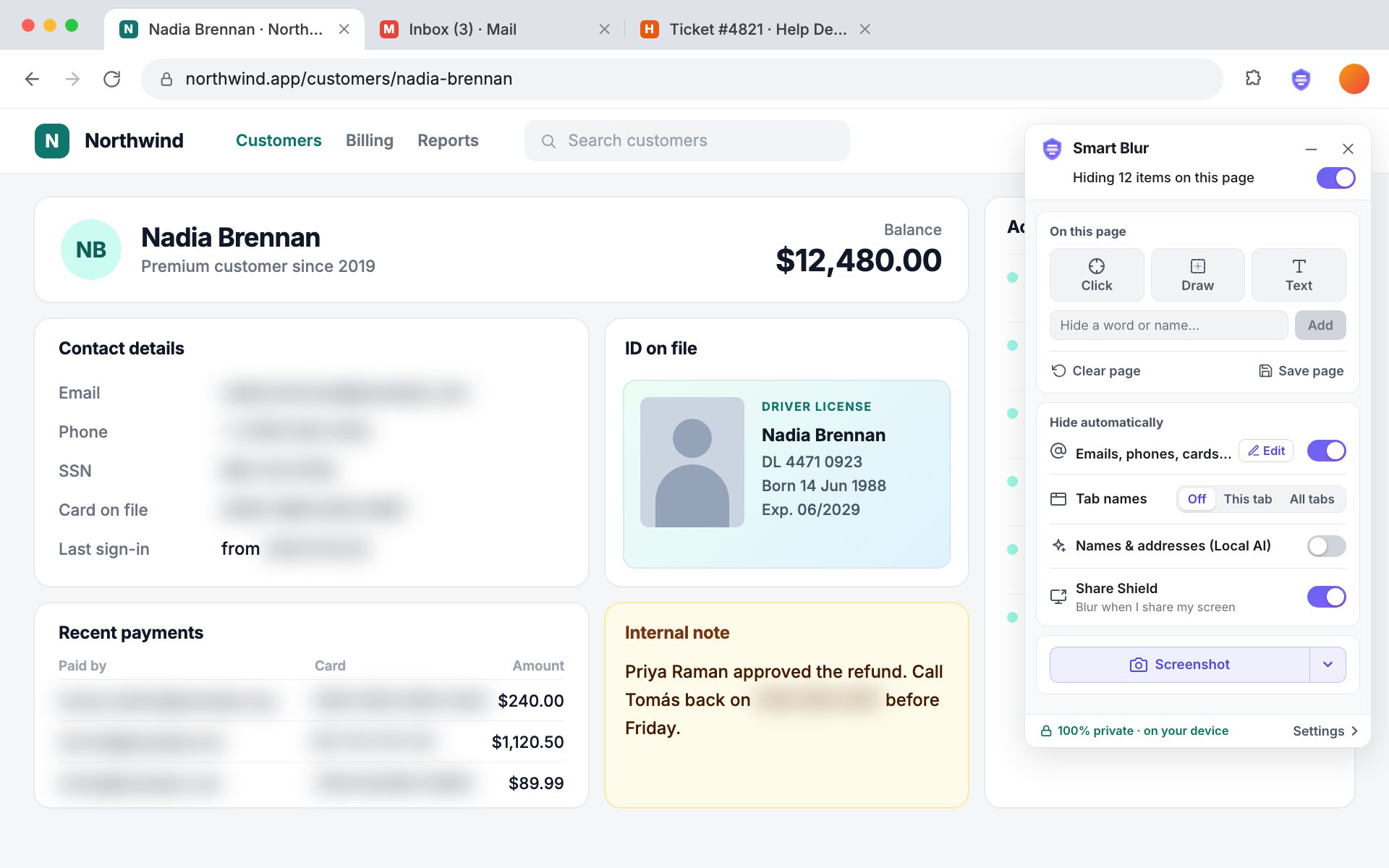
- 0 Clicks to blur when a screen share starts in the browser
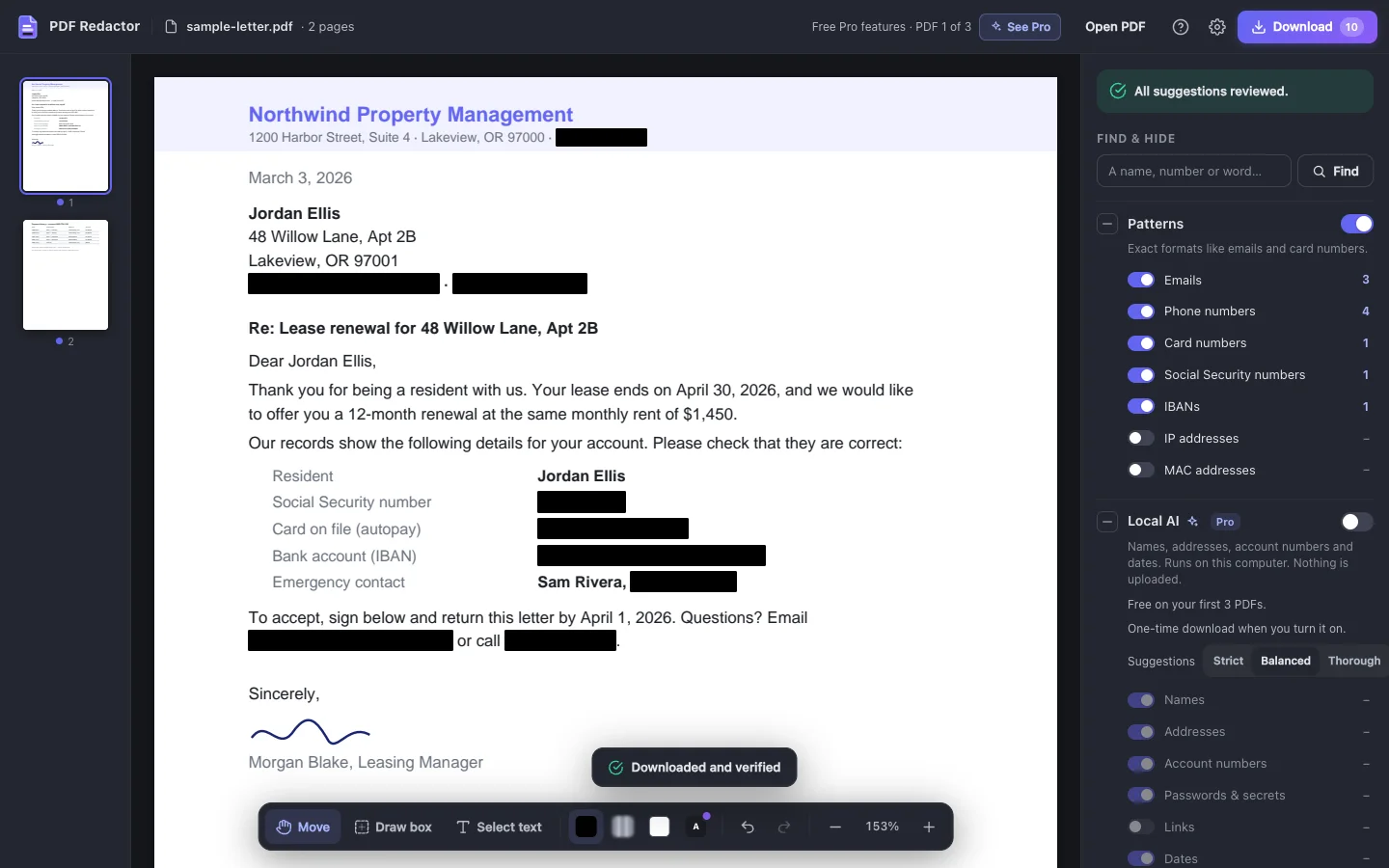
- 1 Click to hide every suggestion in a PDF
- 0.7s To open a 200-page PDF, in our tests
What admins control
- Install once IT pushes it to every computer through Google Admin or Intune.
- Lock settings The protections you choose can’t be switched off.
- Shared lists One set of keywords and patterns for everyone.
- Seats that move Add, remove and reassign seats as people come and go.
- Redaction log A record of what was hidden in every PDF, kept on the device.
- Priority support A named contact and a set response time.
See every admin feature
Install and licence
- Install on every computer through Google Admin, Intune or Group Policy, on Chrome and Edge
- Licence pushed by IT, so nobody types in a key
- One licence and one yearly invoice for all seats; purchase orders accepted
- Add, remove and move seats
- Renewal reminders go to the admin, not to every user
Control
- Lock any setting
- Hide the off switch
- Turn Pro features on or off for the whole team
- Choose the sites it always or never runs on
- Hide upgrade and account screens
- Turn off settings import and export
- Show your own help contact in the extension
Shared lists
- One keyword list for everyone
- Shared custom patterns for your own ID or case numbers
- Ready-made packs for legal, HR, healthcare and finance
- Change a list once and every seat gets it
Records and support
- Local activity log, never sent anywhere
- Settings report you can export for audits
- Priority support with a named contact
- Setup call with your IT team
- Security and data-flow document
Buy one, or both
For screen shares and screenshots. Everything in Pro on every seat, plus:
- On for every screen share, for everyone
- Patterns that stay on
- Screenshots always keep the blur
For PDFs that leave the building. Everything in Pro on every seat, plus:
- A redaction log for every file
- Cleanup on every save
- Court-filing preset
Need both? One licence can cover the two.
How much time goes into hiding data by hand?
Built for teams that handle other people’s details
- Legal Client and case details on calls and in court filings.
- HR Salaries, addresses and employee IDs in shared systems.
- Healthcare Patient names and record numbers in training and telehealth.
- Finance Account and card numbers in demos and statements.
Thanks, we’ve got your request
We’ll reply to your work email within one business day.